 Profit
Portfolio performance tracker for macOS, iOS, and iPadOS with on-device calculations
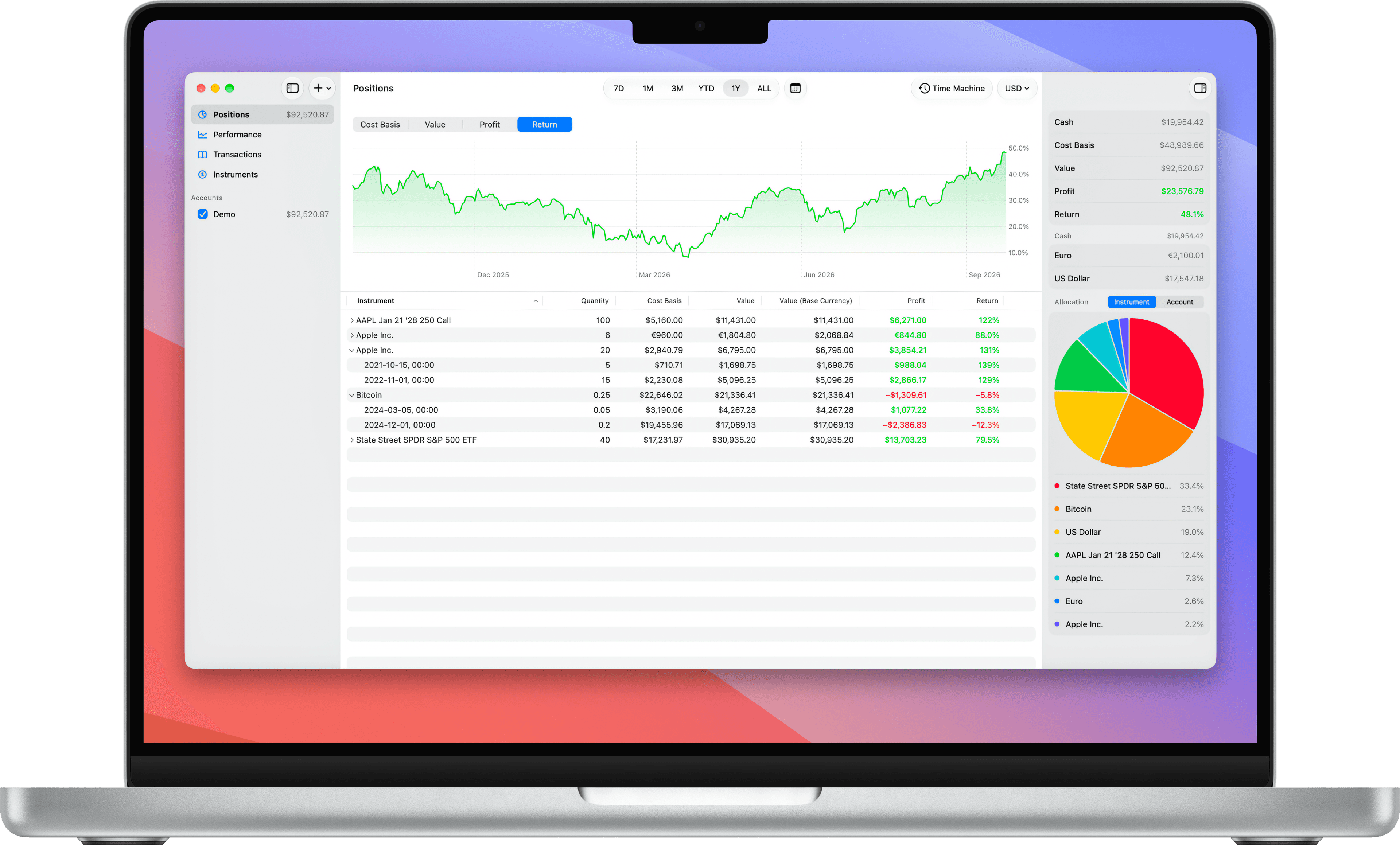
One app, all accounts
Track all your investments in one app. It’s time to ditch your spreadsheet.
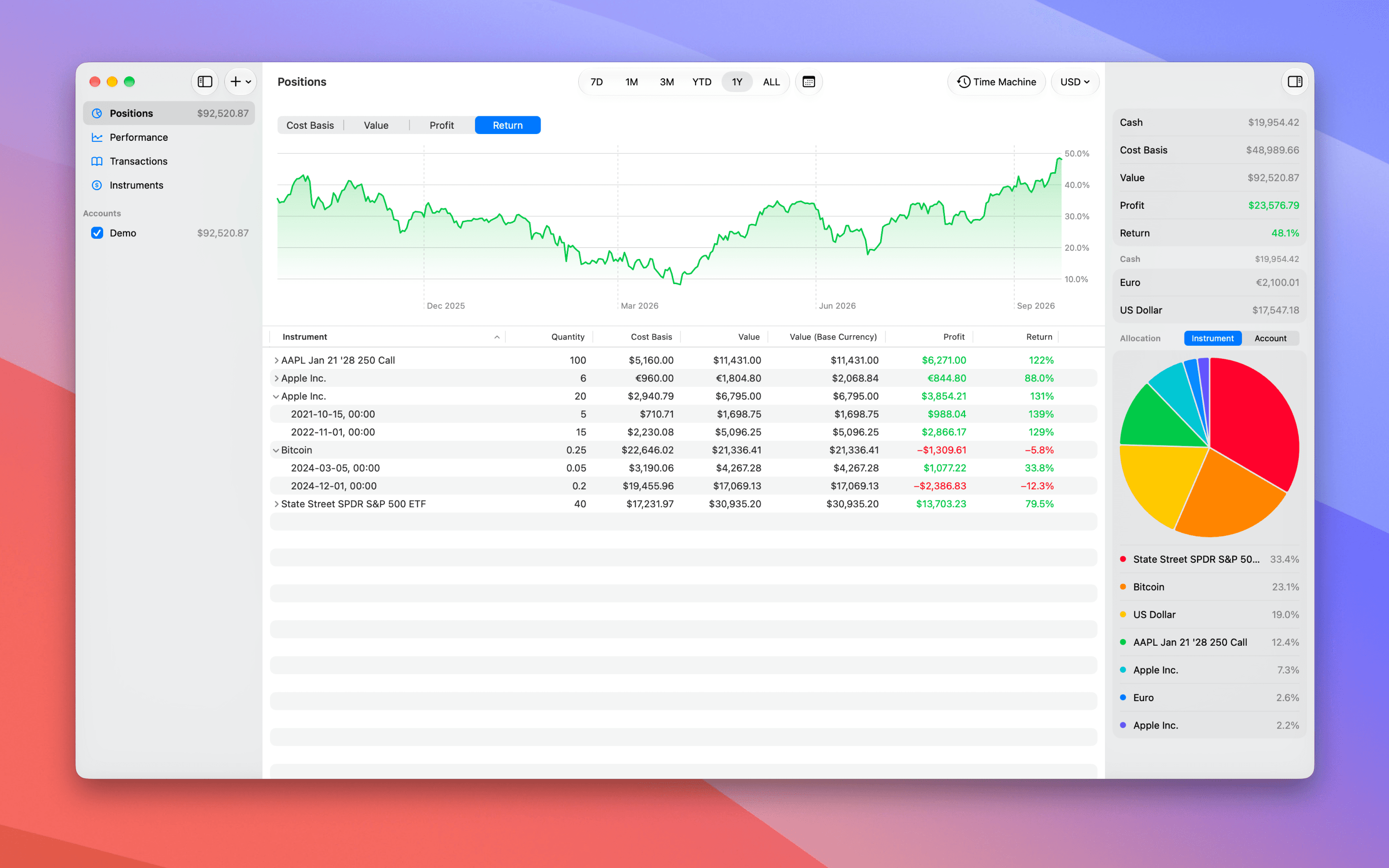
Multiple currencies
Profit supports 28 currencies and lets you mix them freely. Exchange rates are downloaded automatically and kept up-to-date.
Cash or no cash
Sometimes you just want to track your actual investments and ignore cash altogether. In Profit, you can decide on a per-account basis whether that account includes cash or not.
Long and short
With Profit, you can track both your long positions as well as your short positions.
Time Machine
Set a date and teleport yourself back in time. See which positions you held on that date and what your returns were then.
A holistic view of your performance
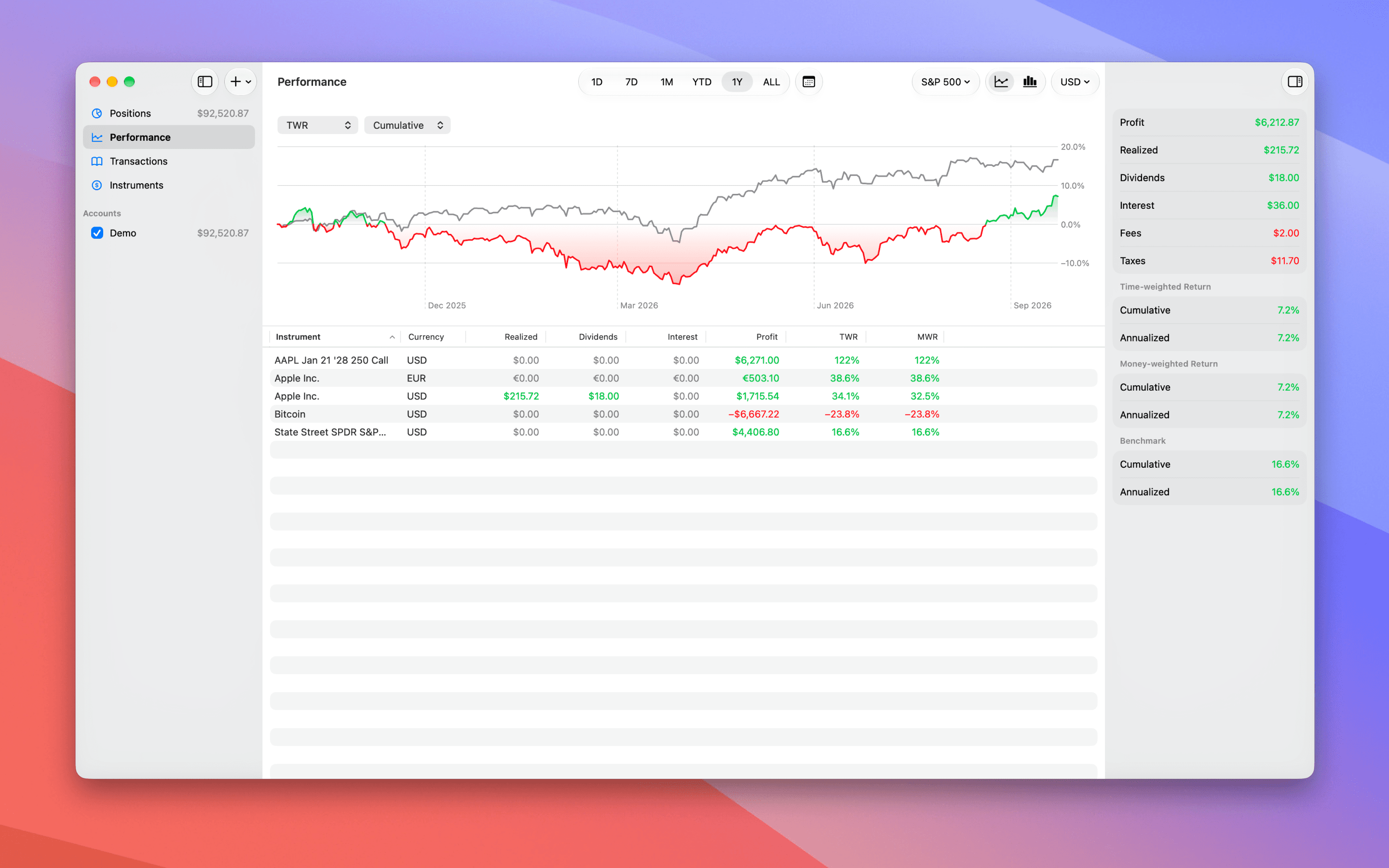
With multiple accounts at different brokers, it’s hard to get the full picture of your performance. Profit calculates your returns across all your accounts.
Various metrics
Performance can be measured in many ways: realized profit, total profit, dividends, TWR, or MWR. Profit calculates and displays them all.
Compare to a benchmark
Ever wondered how you stack up against the S&P 500 or AAPL? With Profit, you can compare your performance to any index or individual instrument.
Not just a single return
There isn’t just one return metric — there are TWR and MWR, and each can be shown as either cumulative or annualized.
Bar charts
Switch to bar chart mode to visualize your performance period-by-period and see how you did daily, monthly, or annually.
On your Mac, iPhone, and iPad
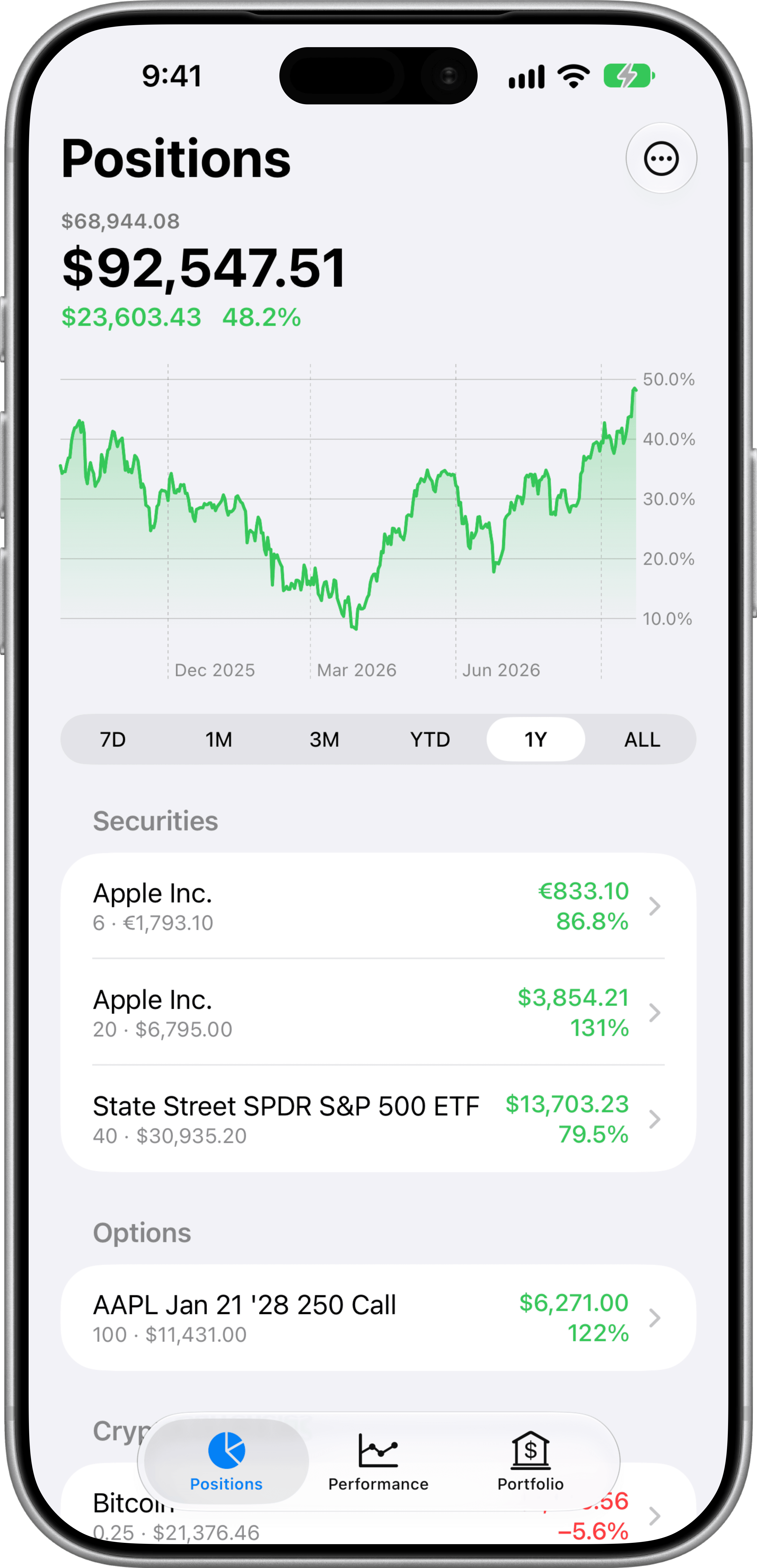
Profit runs on all your devices and uses iCloud to securely sync your data.
Privacy included
All calculations are performed on-device. Your transactions never leave your Apple account. And we don’t track you.
Auto-import from Interactive Brokers
Import your transactions directly from Interactive Brokers. For any other broker, use the generic CSV import.

Download Profit on the App Store. It’s free.